

Hide product for WooCommerce
Hide entire product or restrict visibility based on specific category, type, price, dimension, shipping class, brand, attribute, and more
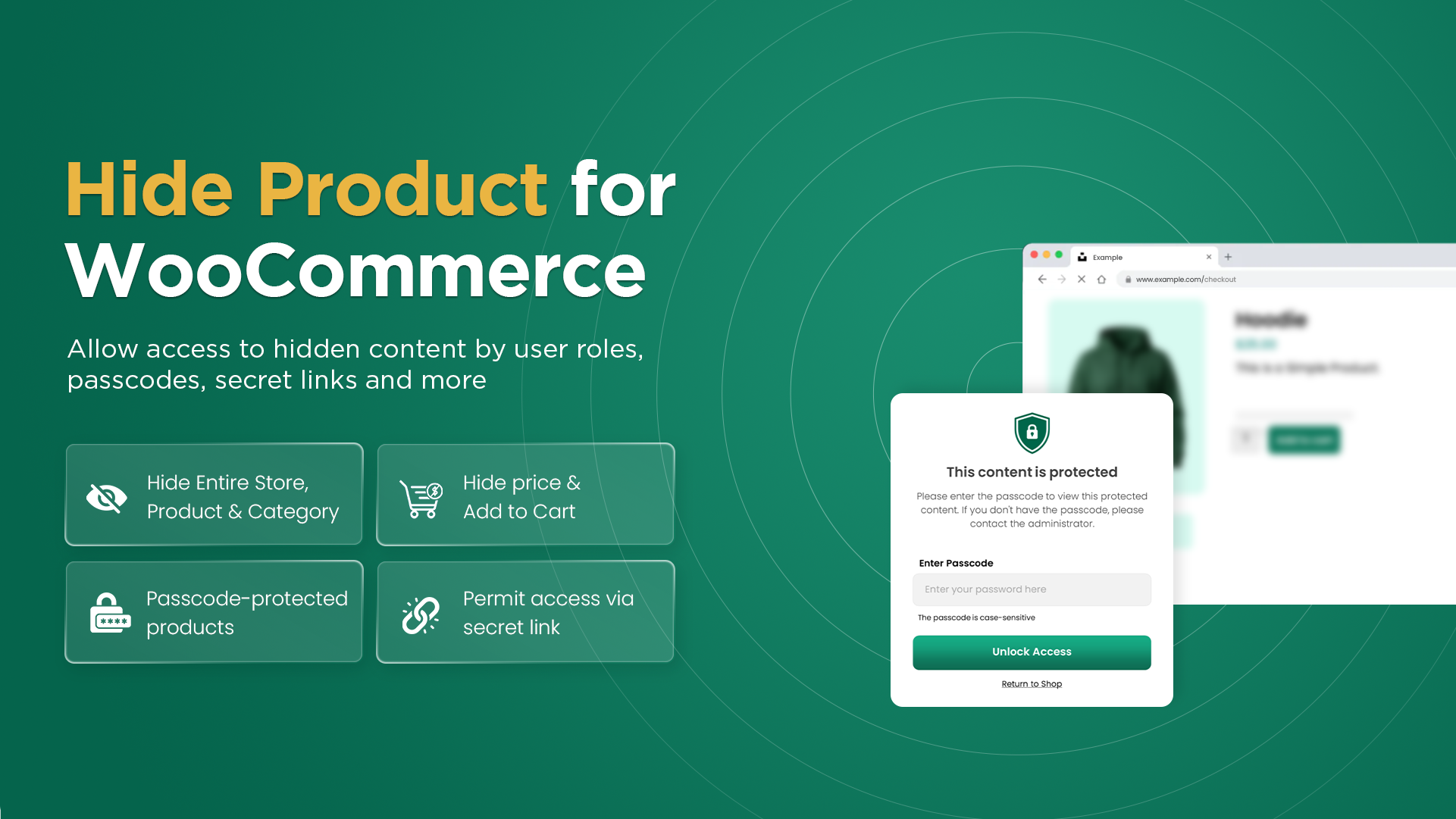
Managing product visibility for large inventories or multiple product types is quite challenging. To overcome this struggle, you can use Hide Product for WooCommerce extension. It allows you to create multiple rules to hide specific products or categories. You can add conditions to restrict products by their type, category, dimension, shipping class, brand, and attribute. Moreover, you can give access to selected user roles, customers, countries, and states.
Admins can also set a passcode or a secret link to give access while limiting incorrect password attempts. Simply hide age-restricted products, upcoming items, redirect users when needed, and track hidden product insights from a single dashboard.
Highlights
- Hide products by their type, price, dimensions, shipping class, category, and more.
- Allow selected user roles, customers, countries, and states to access hidden items.
- Set limits for failed passcode attempts and choose actions such as redirecting users.
- Manage and track hidden product details from a centralized dashboard.
- Add a secret link or passcode to give access to hidden products.
Use Cases
- Hide upcoming products from customers until they are available for purchase.
- Hide products from regular customers and create a separate section for B2B users.
- Hide age-restricted products from users who are not eligible to access them.
- Send secret links to VIP’s and allow them to access premium or exclusive products.
- Run a special sale and allow selected users to unlock hidden items using a passcode.
- Give local product access only to customers living in nearby states, or areas where you provide delivery.
Hide WooCommerce Products with Flexible Access Rules
Hide Product Extension allows you to manage product visibility for specific products and categories. You can create multiple conditions and control which products will be visible to your customers. Admins can also give access based on selected customers, countries, user roles, passcodes, and secret links.
Restrict Products by Categories, Tags, Brands, and Other Conditions
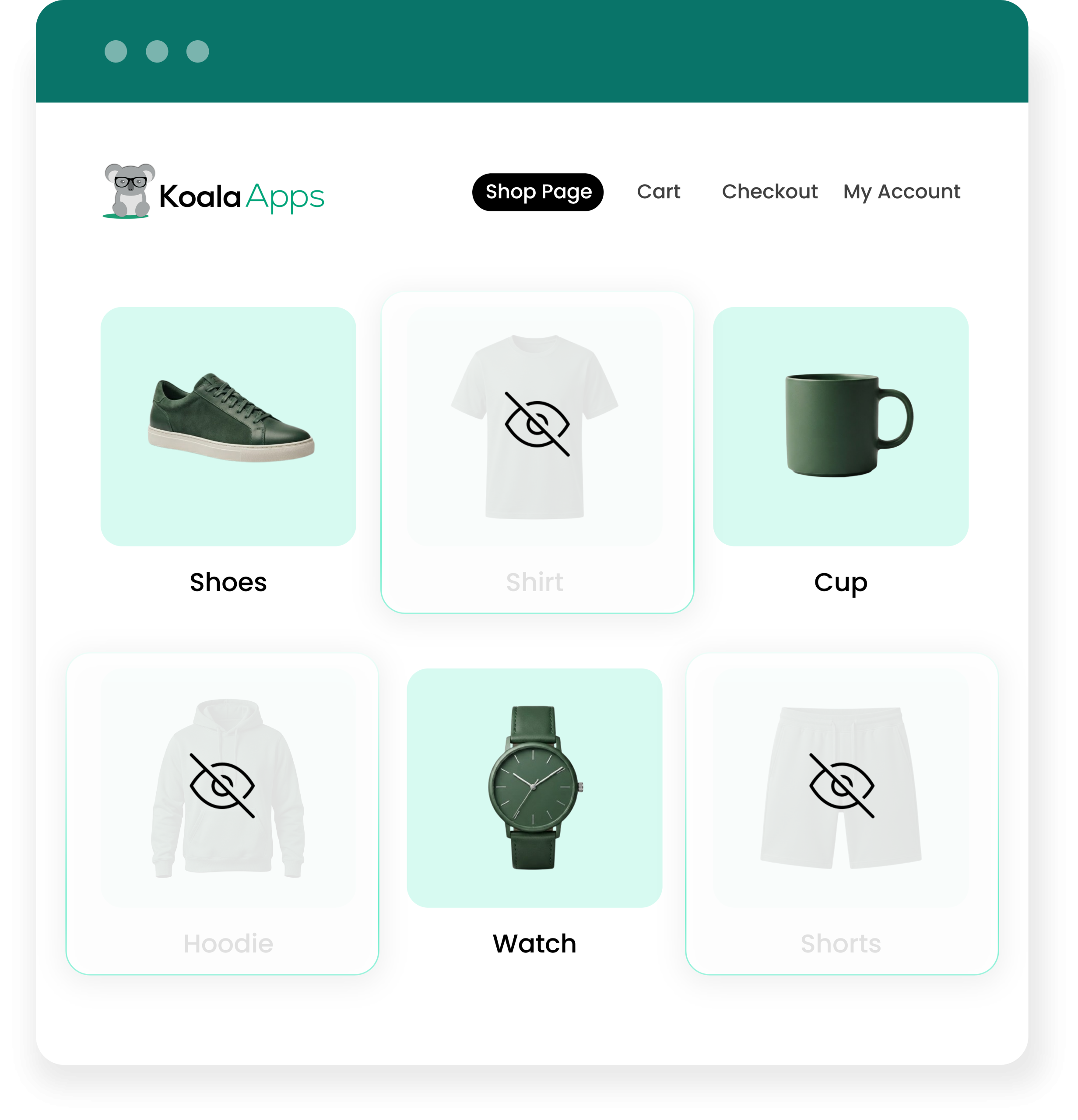
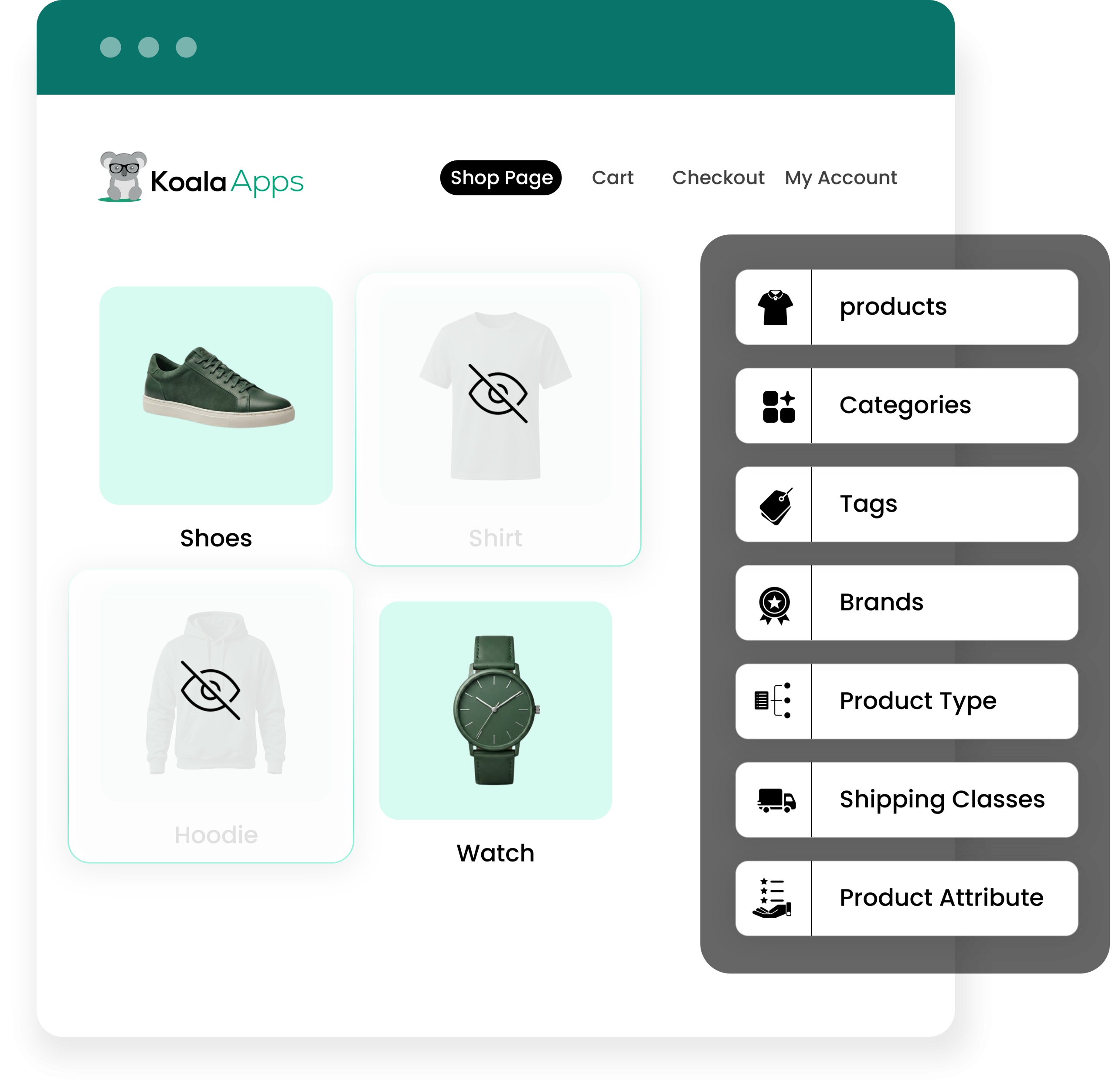
Admins can create conditions to hide products by their type, category, shipping class, dimension, brand, attribute, and price. You can add a minimum or maximum price range, and when the condition is true, the selected product will be hidden. Moreover, you can restrict any category based on its product count, such as hiding categories with fewer or more products than the set limit. Simply hide physical/virtual items, low-selling attributes, restricted brands, and manage the entire process with ease.
Choose How Restricted Products Appear in Your Store
Hide Product extension allows you to hide the product completely or partially. You can restrict the entire item and hide it from the catalog and internal search results. Alternatively, you can hide the price and add-to-cart button or choose to replace add-to-cart with any custom text or URL.
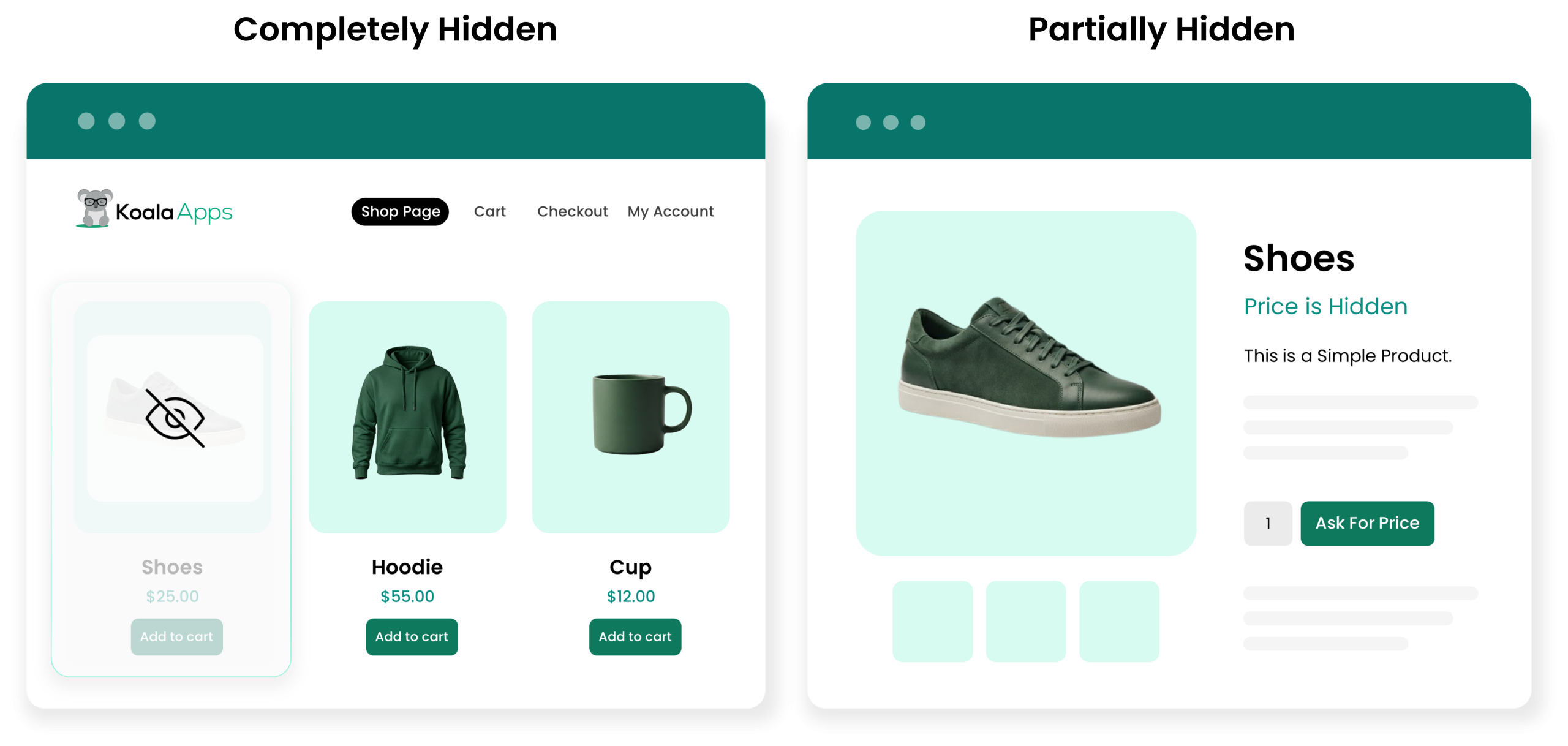
Hide Products, Prices, and Add to Cart Options from Unauthorized Users
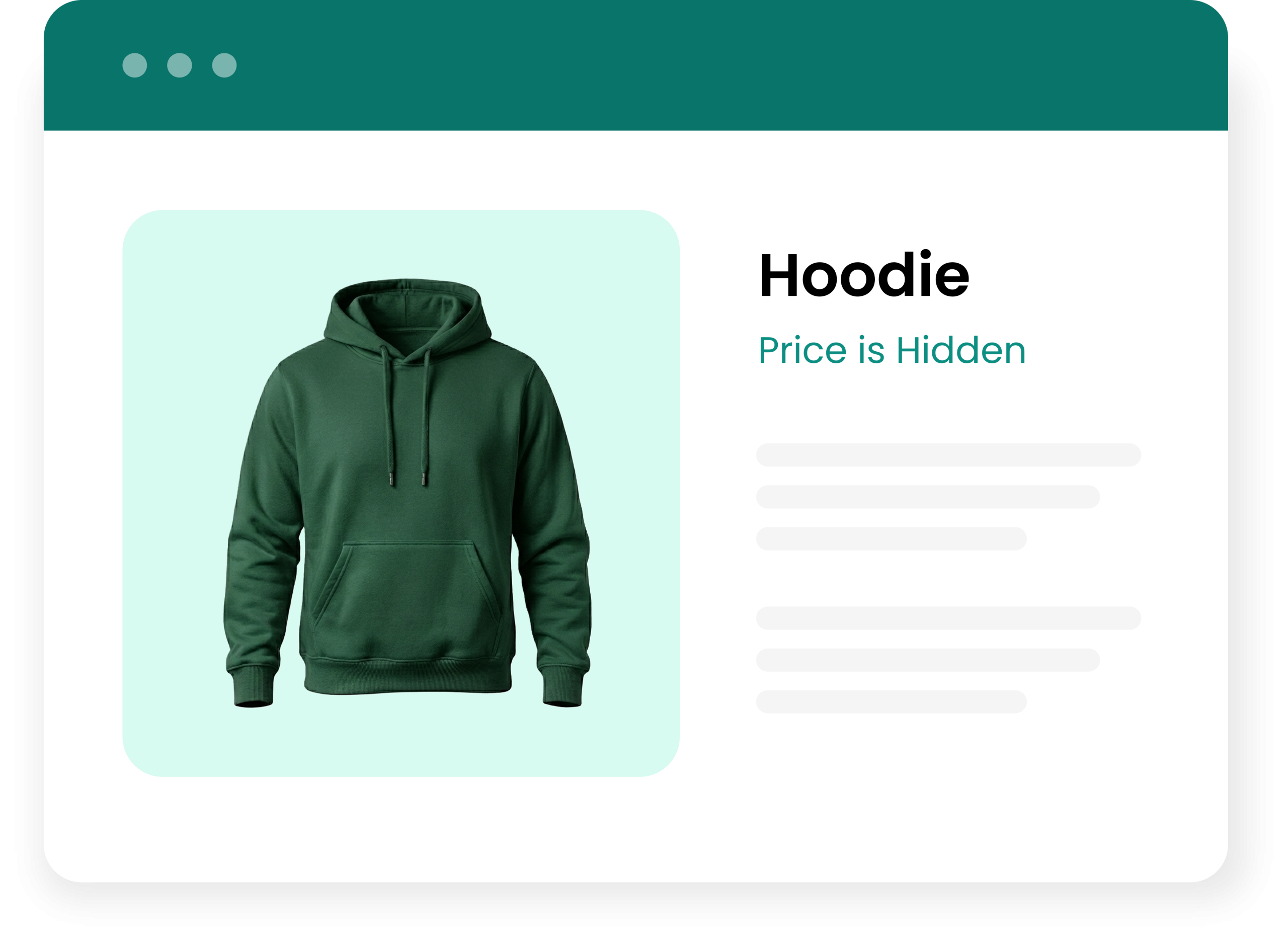
By using the extension, you can hide the price and add-to-cart button for selected products and categories. This gives you control over what customers can view and purchase. You can restrict unauthorized users from accessing hidden items and keep age-restricted, wholesale, exclusive, or upcoming products only available for eligible customers.
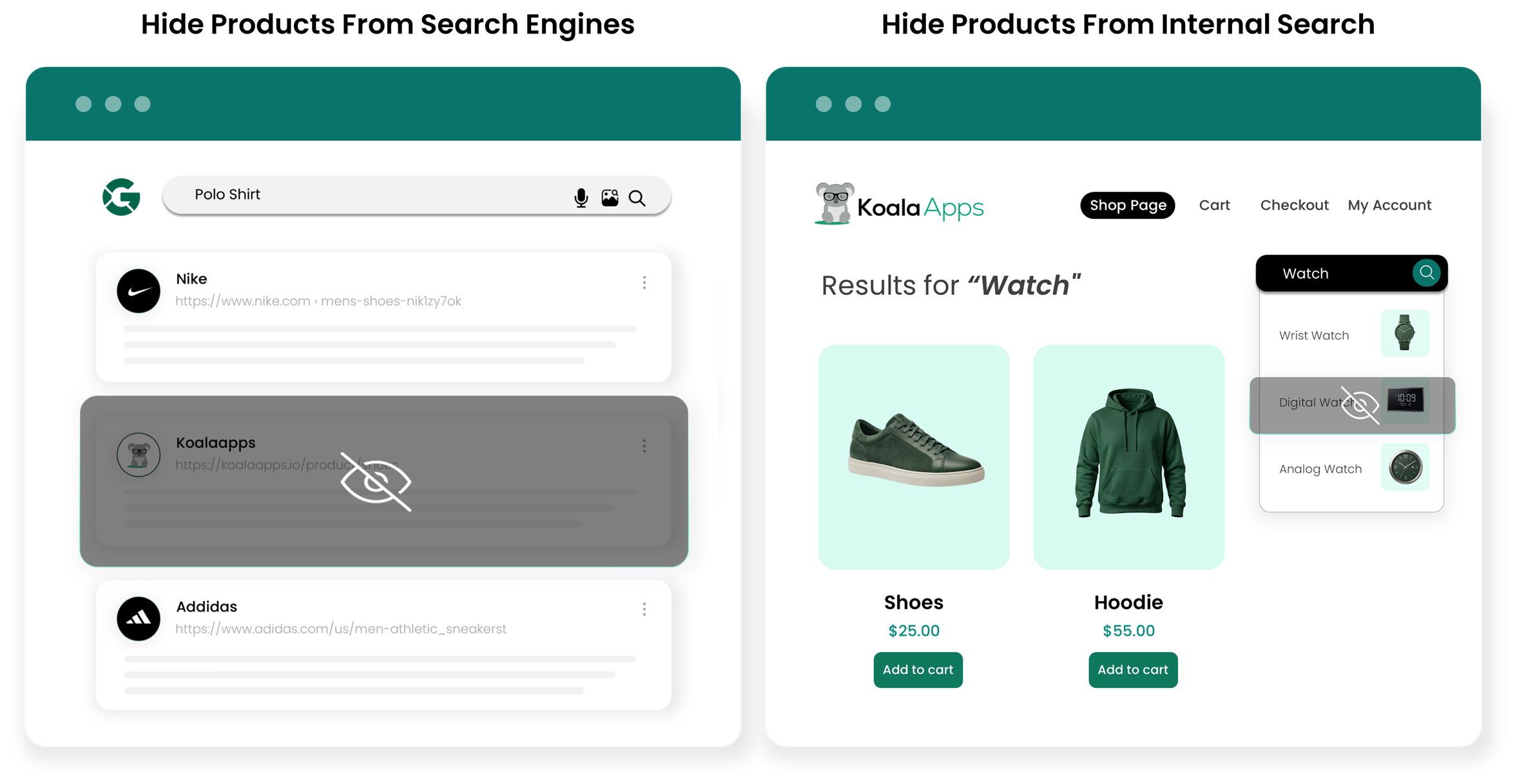
Control Product Visibility in Catalog, Search, and Search Engines
While restricting the entire product from the store, you can also hide it from your catalog, internal search results, and search engines. This allows you to control the product visibility across your store and keep restricted products hidden from users until you choose to make them available.
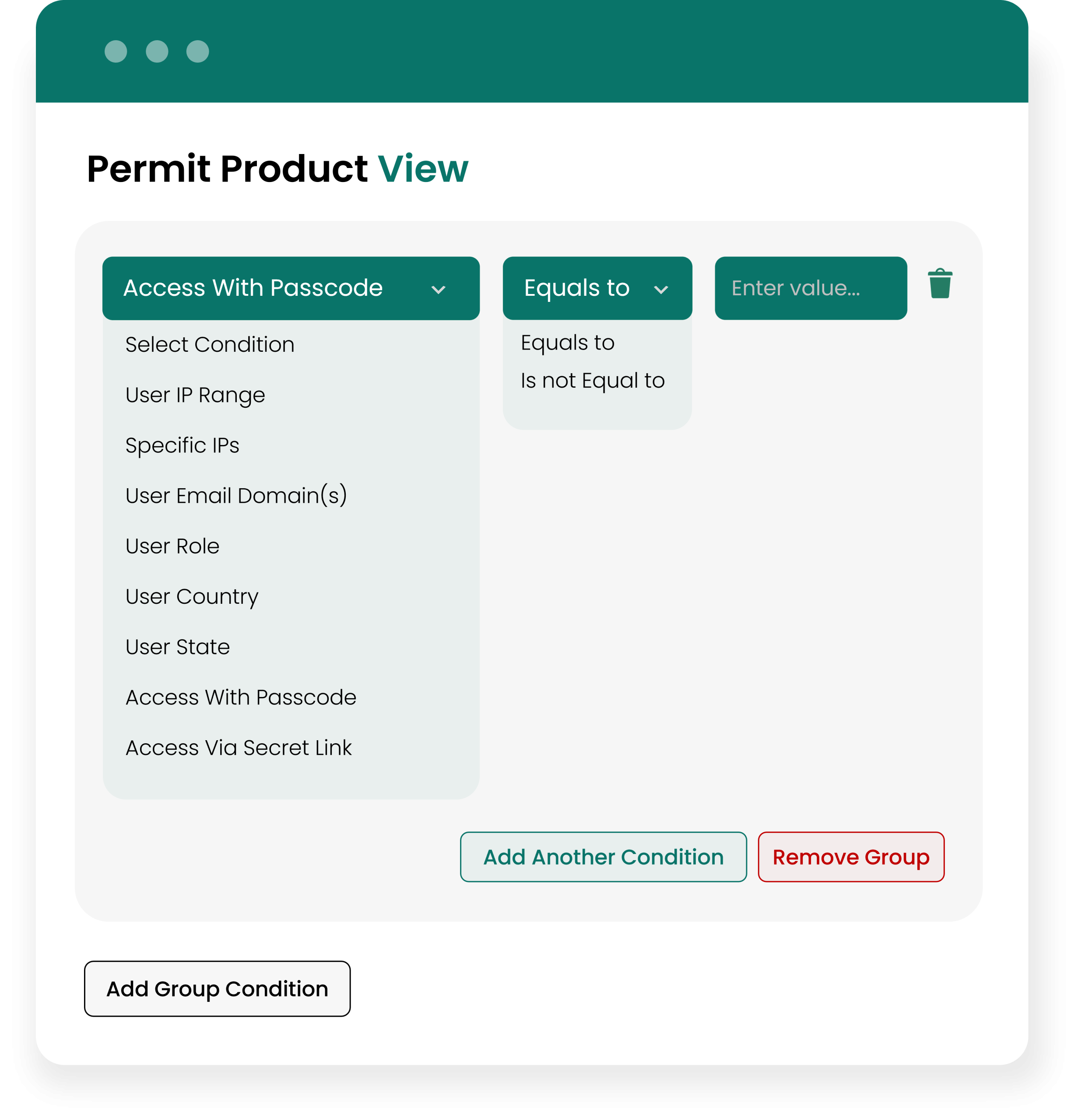
Allow Product Access by User Role, IP, Location, or Email Domain
Shop managers can select specific user roles, IPs, countries, states, or email domains and allow them to access restricted products. For example, you can allow wholesale products only for B2B users, offer local items to customers from nearby states, and restrict entire products from unauthorized email domains.
Protect Hidden Products with Passcodes and Secret Access Links
Admins can provide product access through passcodes and secret links. You can simply set a password and allow customers to enter the code to access the item directly from the product page. Similarly, you can create a secret link, share it with selected customers, and let them access hidden products.
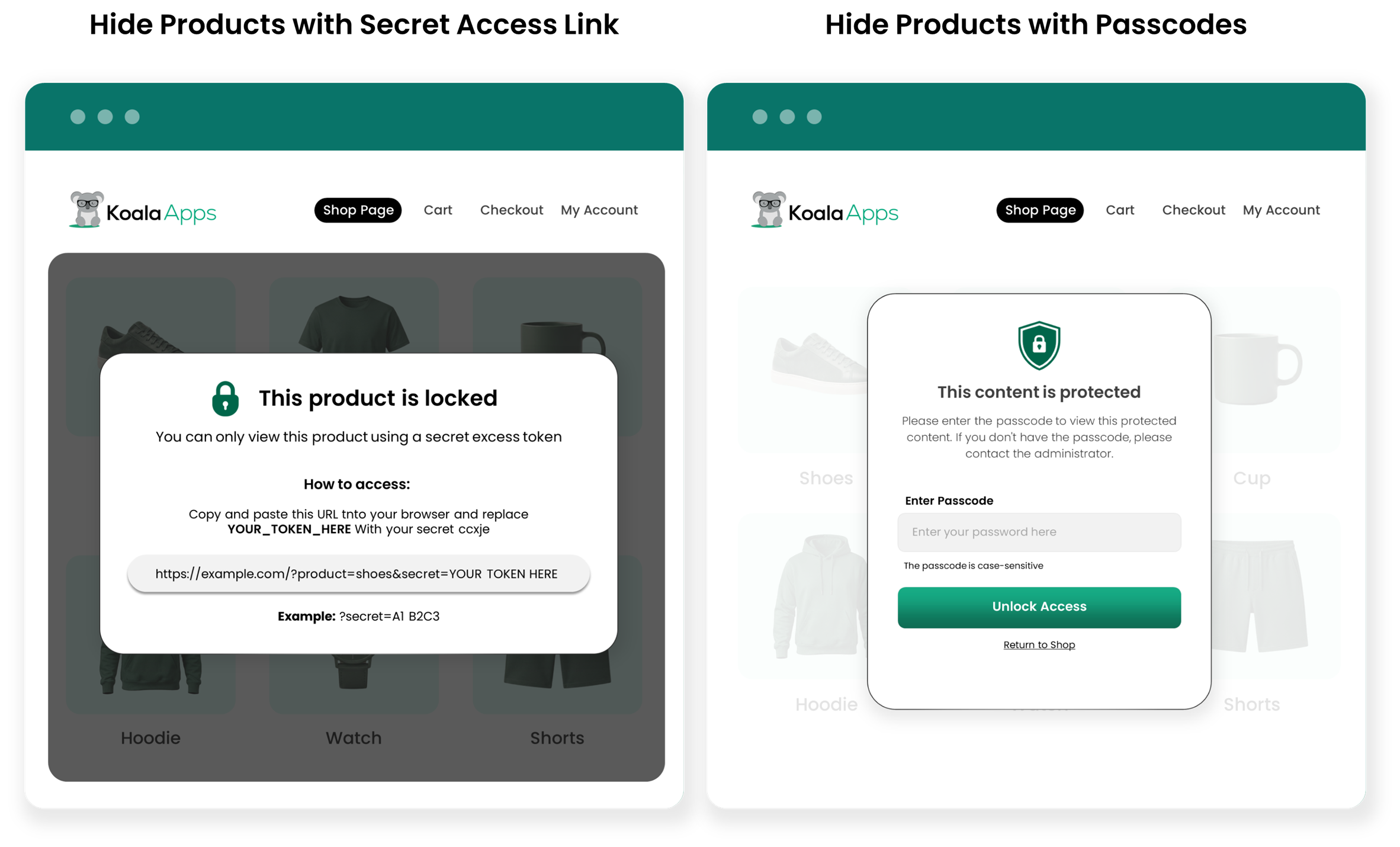
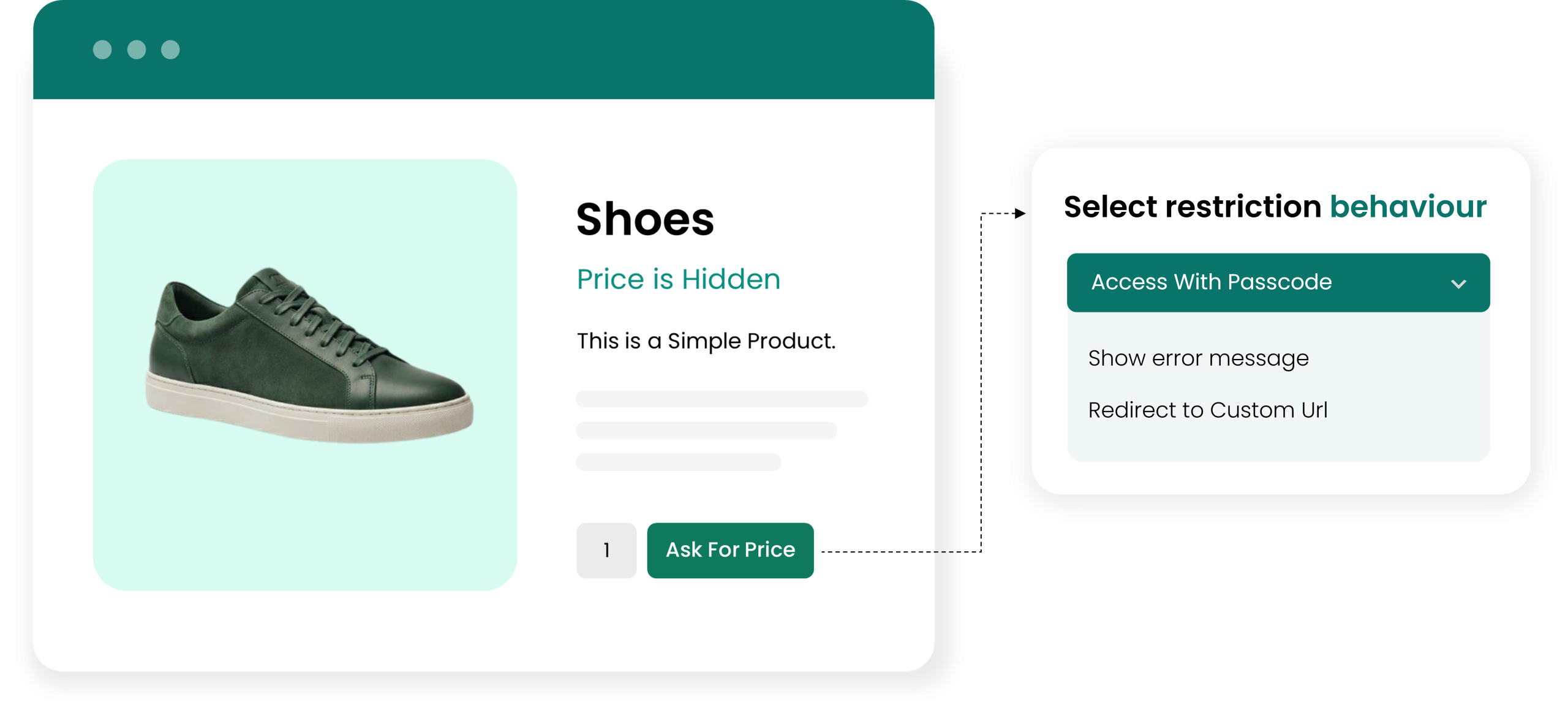
Show Custom Messages or Redirect Restricted Visitors
You can hide the price and add-to-cart button for restricted items and replace the button with custom text or a URL. You can add any restriction message such as “This product is currently unavailable” or choose to redirect them back to the shop page.
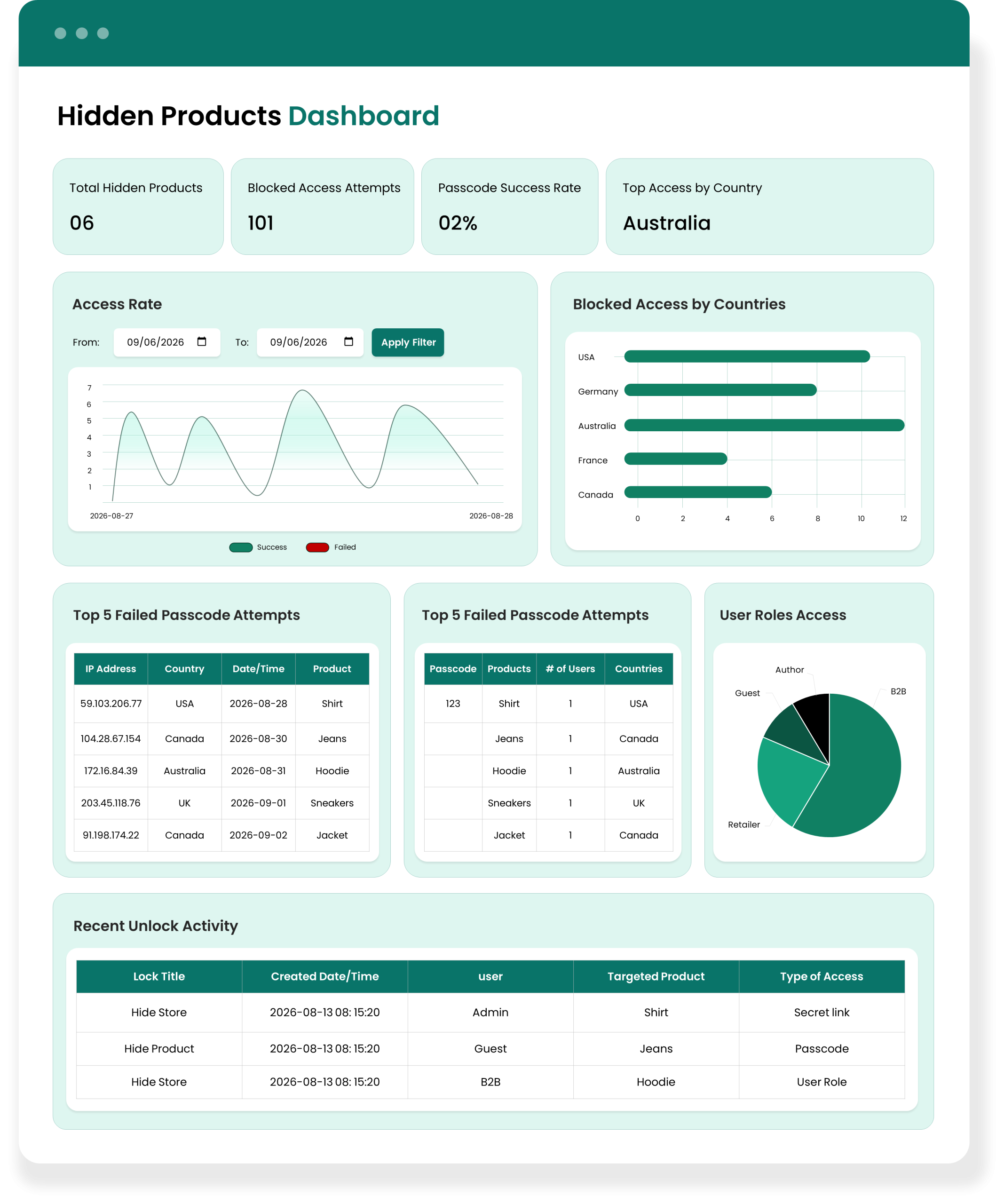
Manage Hidden Products, Access Rules, and Track Unlock Activity from One Dashboard
The plugin provides a centralized dashboard to track total hidden products, blocked access attempts, passcode success rate, top countries, and access activity. You can also manage failed passcode attempts, recent unlock activity, and the entire visibility process from one place.
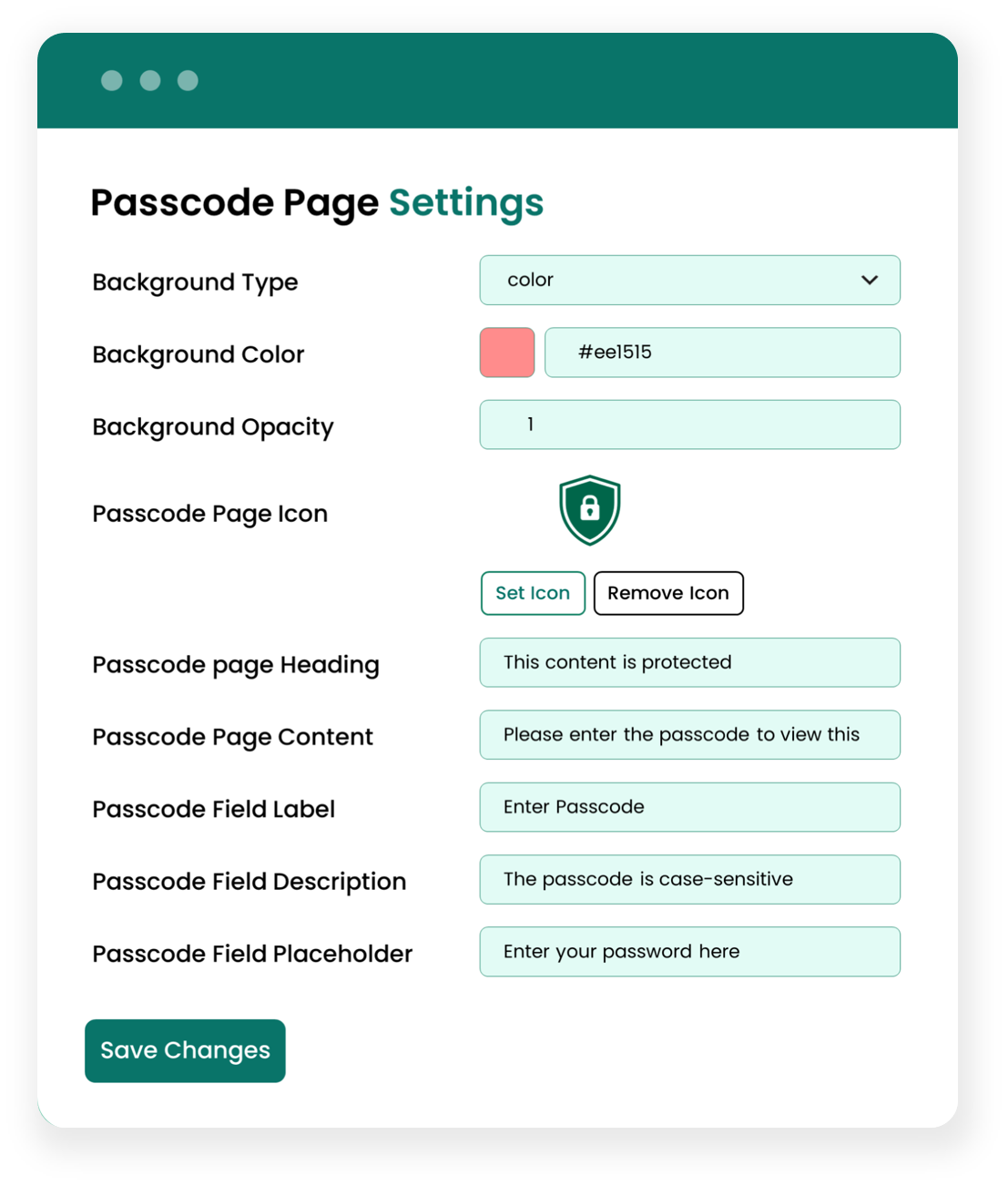
Customize the Passcode Access Page and Customer Experience
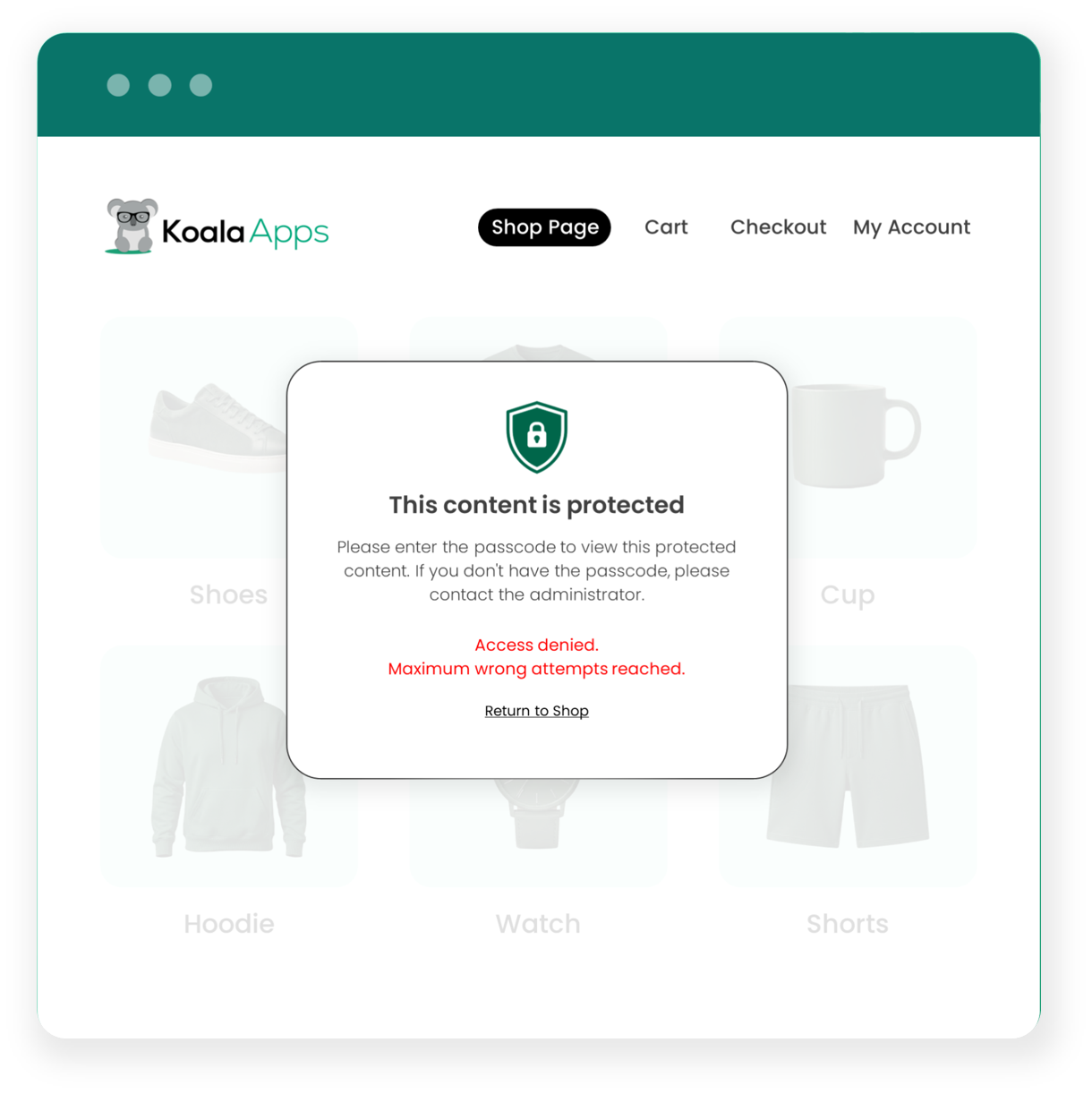
Admins can customize the passcode popup by using different background types such as blur, color, or image. You can also add a custom popup icon, heading, field text, and description to make the passcode page clear and user-friendly.
Manage Passcode Security, Error Handling, and Access Restrictions
Merchants can manage passcode security by limiting failed passcode attempts to a defined number. For multiple failed attempts, you can choose to redirect customers, temporarily disable the passcode, and add a custom error message. You can also allow customers to view the passcode while typing and make it easier to enter the correct code.
- Type
- Price
- Attribute
- Dimension
- Shipping class
- Hide Price and Add-to-cart button
- Hide Price and Replace Add-to-cart button
- User roles
- IP addresses
- Email domains
- Countries
- States
- Passcode
- Secret link
- Redirect customers to any URL
- Show an error message
- Disable passcode
- Page Blur
- Color
- Image
- Page heading and content
- Field label and description
- Passcode field placeholder
- Total hidden products
- Blocked access attempts
- Passcode success rate
- Top access by country
- Access rate graph
- Failed attempts
- Used passcodes
- Recent unlock activity
$69 / year
- Free Installation
- 1 year free support
- 30 day money back guarantee
Technical Info
- Version:1.0.0
- Released:
- PHP version:5.6 & above
- Requires:WooCommerce & WordPress must be installed
Reviews
There are no reviews yet.